You are here

CHECKOUT PAGE
 
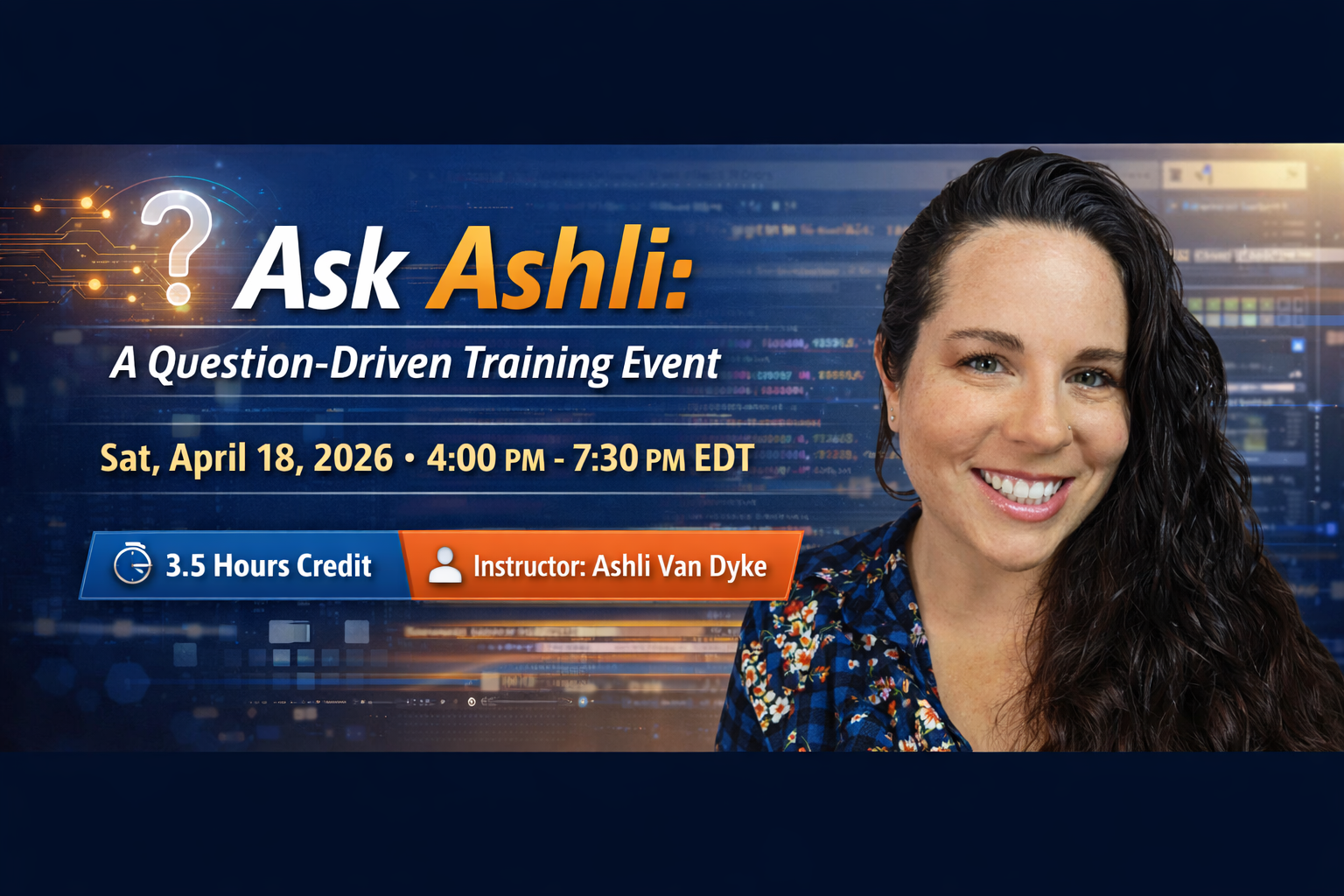
Instructor: Ashli Van Dyke
Date/Time: Sat, April 18, 2026 4:00 PM - 7:30 PM EDT
Credit: 3.5 hours (pending approval)
Recording Access: Unlimited viewing on our website for at least 90 days (purchase and login required). Available within 7 days after the live event has occurred.
Registration Link: Registration is required to watch the live event. If you have not registered, please click here to do so. No refunds.
 
*Fees associated with submitting certificates to NCRA are not included with the purchase.


This session is a structured, instructor-led training event built entirely around pre-submitted attendee questions related to Eclipse usage, workflow, and configuration.

Questions are reviewed, categorized, and organized by topic prior to the session, allowing the instructor to deliver focused, relevant instruction across core Eclipse domains while addressing real-world scenarios and challenges. The format ensures targeted instruction rooted in real-world use cases rather than generic demonstrations.

The session emphasizes practical problem-solving, workflow clarity, and proper application of Eclipse tools, while reinforcing professional responsibility and best-practice usage. Attendees can expect actionable solutions designed to improve efficiency, confidence, and overall performance in their daily reporting work.

How Question Submission Works

After registering and completing checkout for the webinar, attendees will receive a confirmation email that includes a link to submit their questions in advance so they can be considered for inclusion in the session.

Learning Objectives

Understanding the Boost Family

Identifying and defining each Boost function

Attendees will learn the purpose, scope, and intended use of each Boost feature and how they differ from one another.

  • Boost
    A realtime scoping assistant that follows behind the reporter, offering suggested corrections either on demand or automatically, based on reporter-defined settings.
  • Boost Flow
    A more active workflow that allows reporters to accept text directly from the speech engine using deliberate steno or keyboard commands during realtime.
  • Boost Edit
    An editing-focused tool that allows reporters to compare their transcript against what the speech engine heard, using those comparisons as an efficiency tool during post-session editing.


Configuration and Setup

  • Connecting to the speech engine
    Instruction on the available methods for connecting to the speech engine and guidance on selecting the most appropriate option based on workflow, environment, and licensing.
  • Core configuration for Boost features
    Attendees will learn how to configure Eclipse settings specific to Boost, Boost Flow, and Boost Edit to ensure accurate and predictable results.
  • Required versus optional settings
    Clear guidance on which settings and tools are necessary for proper operation and which are optional or preference-based.
  • Managing exclusions
    Instruction on creating and managing speech engine exclusions to prevent unwanted suggestions and improve result quality.
  • Vocabulary Management
    Attendees will learn how to prepare the speech engine for case specific names and terms to get the most accurate results possible. 


Workflow Integration

  • Choosing the right Boost tool for the task
    Learn when Boost, Boost Flow, or Boost Edit is most appropriate, and that not every tool is appropriate for every reporter. 


Plugins and Supporting Tools

  • Recommended plugins
    Attendees will be instructed on recommended plugins that enhance Boost functionality and improve efficiency across Boost, Boost Flow, and Boost Edit workflows.


Practical Application

  • Live demonstrations
    Attendees will view live demonstrations of Boost, Boost Flow, and Boost Edit in action to understand expected behavior, typical use cases, and real-world outcomes.
  • Interpreting results correctly
    Instruction on understanding Boost suggestions as guidance rather than automatic corrections, reinforcing appropriate professional judgment.
  • Enhanced Logging and interpretation
    Using Internet Journaling to yield verbose logging of Boost decision making that attendees will receive instruction on interpreting. 


Troubleshooting and Minutes Management

  • Identifying and resolving common issues
    Learn how to recognize and correct common configuration and workflow issues that affect Boost behavior.
  • Understanding Boost minute usage
    Instruction on how Boost minutes are consumed, how usage differs between features, and how to monitor and manage usage to avoid interruptions.


Professional Responsibility and Scope

Understanding what Boost does and does not do
Clear reinforcement that Boost tools assist with error identification and correction but do not replace reporter judgment, responsibility, or transcript review.


Trainer Qualifications & Bio

Ashli was born and raised in Phoenix, Arizona, moving to Florida and joining the Advantage Software team in 2010.  At Advantage, Ashli got her start in tech support, and she quickly netted a reputation as a go-to person for help with extraordinary Eclipse questions and for discussing ideas. Over the years she has worked intimately with the Eclipse development team and has played a key role in many version releases. She has been involved with product research, quality assurance, technical writing, and customer education. She especially loves demoing the benefits of Eclipse and showing off its latest features!

Ashli also manages and produces all the video content on Advantage Software’s official YouTube channel. She uploads new content weekly and keeps it fresh on everything Eclipse, Bridge Mobile, and more. Check it out [HERE] and Subscribe today.


Ashli's Recent Webinars

March 2025
March 2025
April 2024
March 2023
January 2022
September 2022
March 2022


$150.00